

KiCad — The Complete Guide: Professional Schematic and PCB Design for Free
KiCad is today the most mature free EDA software: schematic, PCB design, 3D viewing and fabrication files — open source, for any use including commercial, with no limit on layers, board size or number of components. That is the big difference from the "free" editions of commercial tools, which limit exactly what a real project needs.

KiCad
KiCad Development Team
Open-source PCB design suite, from schematic to fabrication files, with no limit on layers or board area.
Get it from the vendorWhat is inside KiCad
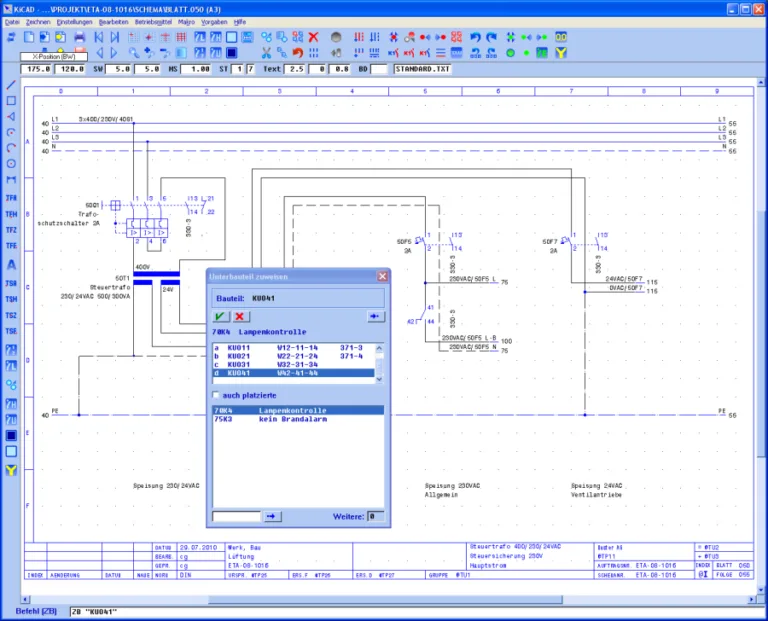
- Schematic Editor — hierarchical schematics, electrical rules check (ERC), bill of materials (BOM) export.
- PCB Editor — multilayer boards, interactive push-and-shove routing, differential pair routing and length tuning, design rules check (DRC).
- 3D Viewer — the board with components in 3D, and STEP export to check the fit in an enclosure in FreeCAD.
- Simulation — run ngspice directly from the schematic.
- Fabrication files — Gerber, drill files and component placement files, in formats every board house accepts.

FreeCAD
FreeCAD Project
Open-source parametric 3D modeller with workbenches for solid modelling, FEM, drafting and BIM.
Get it from the vendor
Ngspice
Ngspice Project
Open-source SPICE simulator — DC, AC, transient and noise. The engine behind KiCad simulation.
Get it from the vendorWho it suits
Electrical and electronics engineers, start-ups designing their first hardware, university labs and students. Established companies are also moving to KiCad for projects where an Altium licence per engineer is not justified.
What's missing
There is no integrated enterprise library and component management on the level of Altium 365, and advanced signal integrity analysis needs external tools. Importing from Altium, Eagle and CADSTAR exists, but check every imported board carefully.
How to start properly
1. Work through the official Getting Started guide — one small project from schematic to Gerber. 2. Set your board house's design rules up front (track width, clearance, drill size). 3. Build a project library of your own for parts missing from the official library. 4. Run ERC and DRC before every export.
Companion tools
Freerouting as an autorouter, ngspice and Qucs-S for simulation, and LibrePCB as a simpler alternative for beginners.

Freerouting — PCB Autorouter
Freerouting Project / LayoutEditor
Free PCB autorouter that connects to KiCad and Eagle through the Specctra DSN format.
Get it from the vendor
Qucs-S
Qucs-S Project
Circuit simulation with a graphical schematic front end over SPICE engines.
Get it from the vendor
LibrePCB
LibrePCB
Modern PCB design with a unified component library — schematic, layout and fabrication files.
Get it from the vendorBottom line
For most projects — from a sensor board to a multilayer industrial controller — KiCad does the job end to end, free and with no licensing traps.